Five steps, on the record
Episode 01: from seller to online
How-to. Each step shown on the real page or the real dashboard, never drawn from memory.
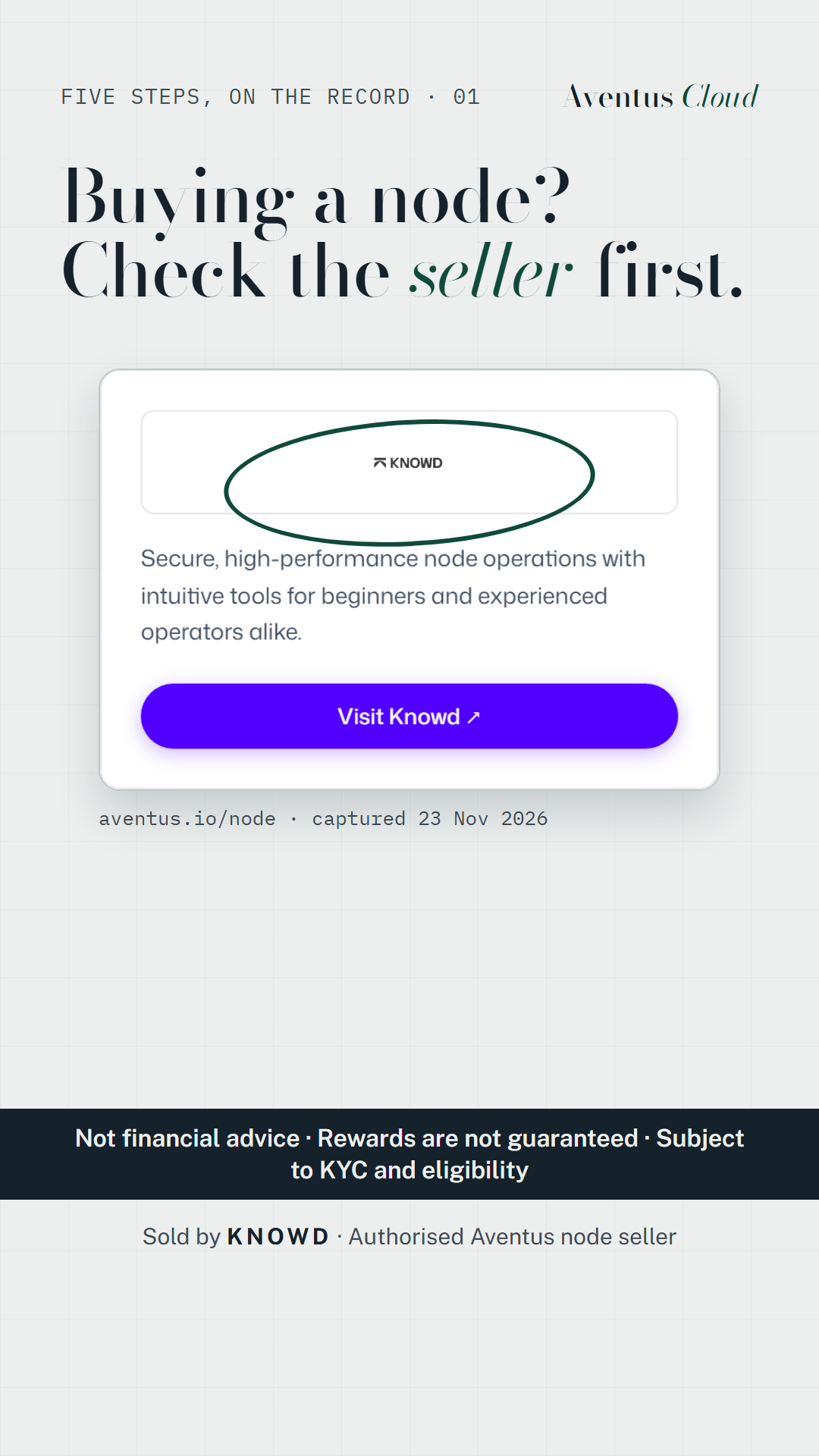
Spoken hook: “Buying a node? Check the seller first.”
Text hook: Check the seller first
Why it works: Teacher. A simple rule up front; the real seller list is the proof.
Format: 9:16, faceless, 35 s, Aventus Cloud light kit
The frames
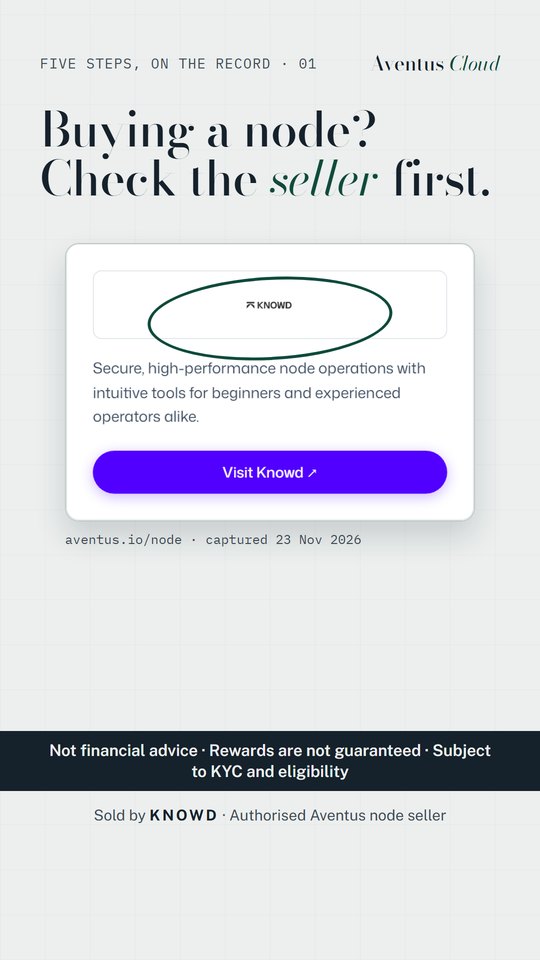
01 Hook · 0–3 s
- Voice
- “Buying a node? Check the seller first.”
- On screen
- Check the seller first
- Sound
- Paper thud, marker ring draws on.
For approval: Approve showing Knowd's own card from the Aventus Cloud page as the hook visual.
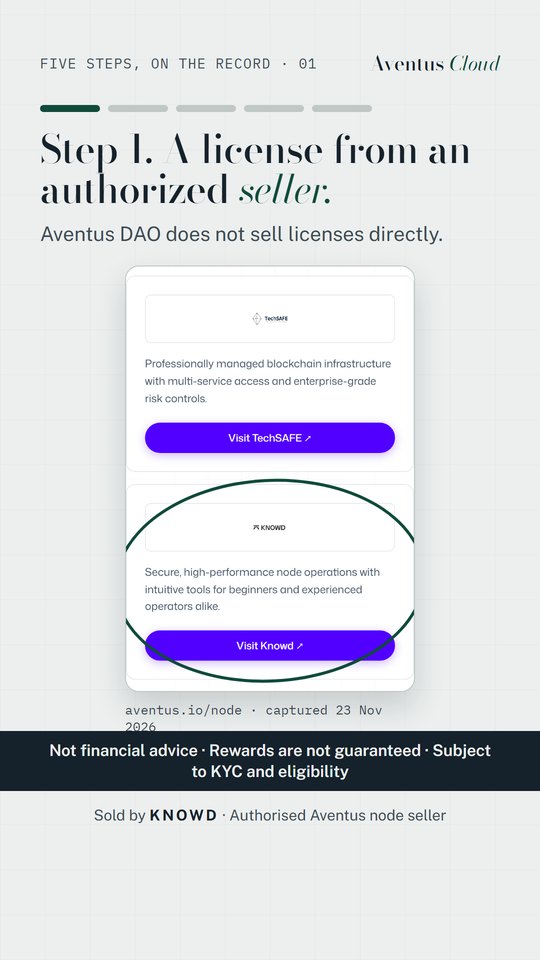
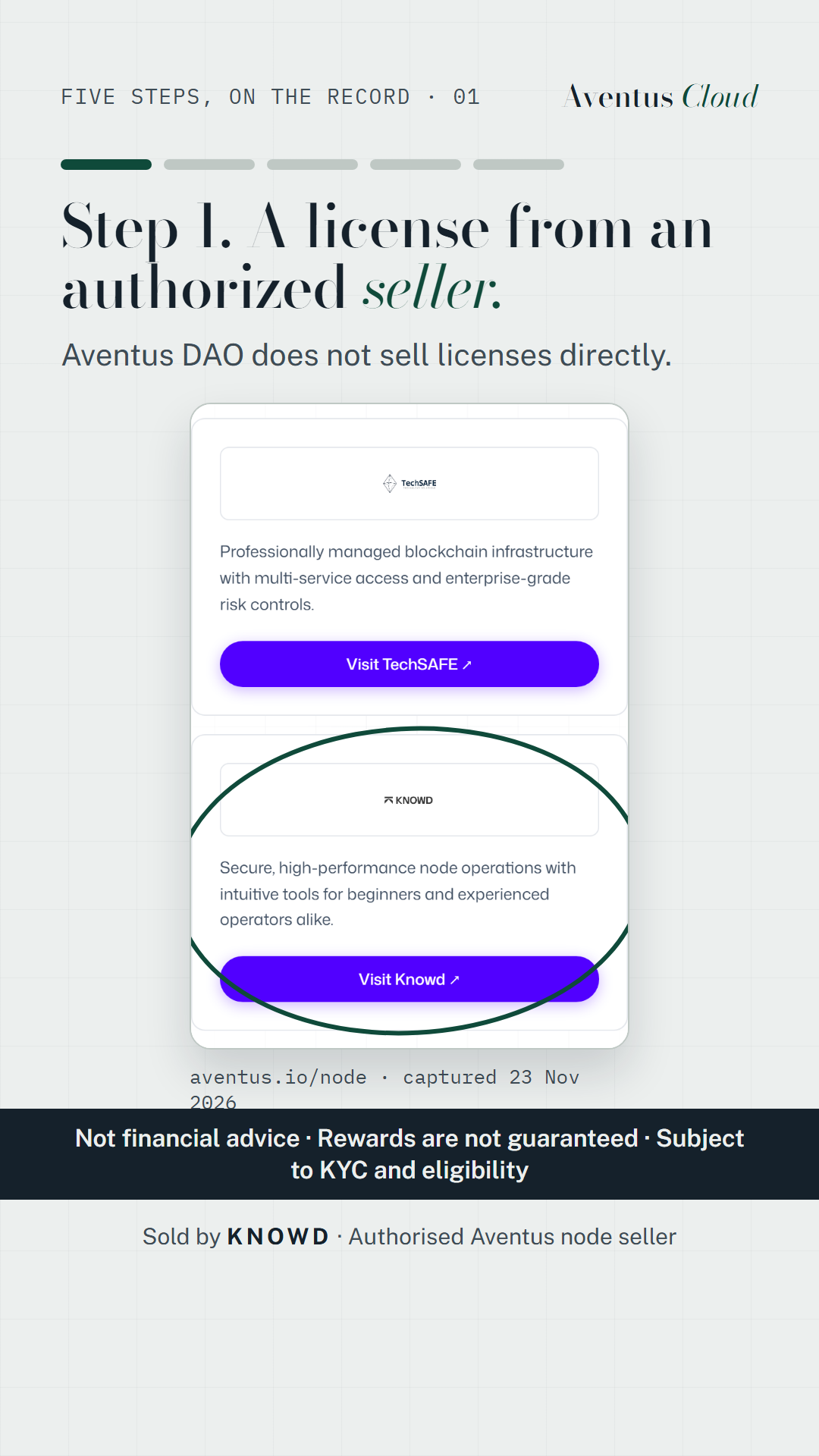
02 Step 1 · 3–8 s
- Voice
- “Step one. Get your license from an authorized seller. Aventus Cloud lists them on its own node page, and Knowd is one of them.”
- On screen
- Step 1 · A license from an authorized seller
- Sound
- Page-scroll whoosh, tick on the Knowd card.
For approval: The page also lists two other sellers. Showing them is honest, but it names competitors. OK?
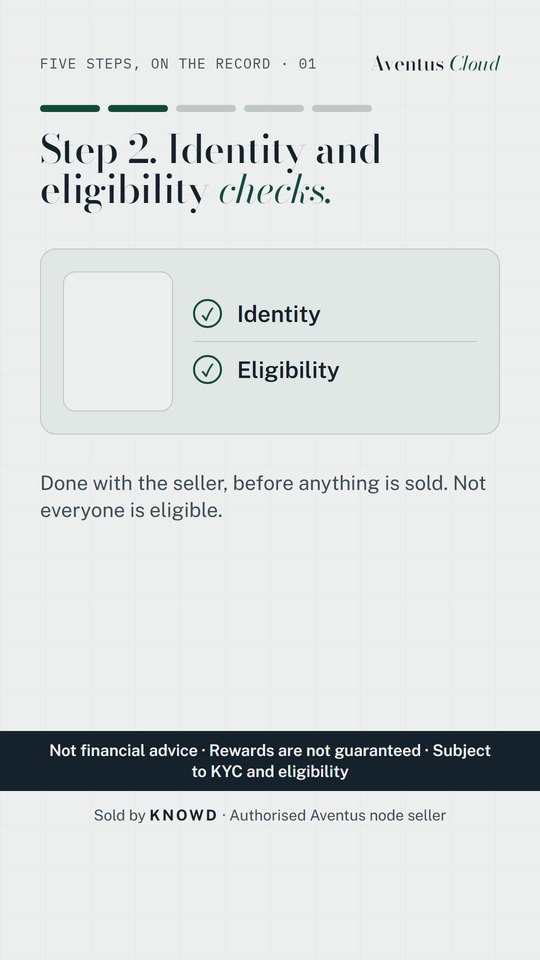
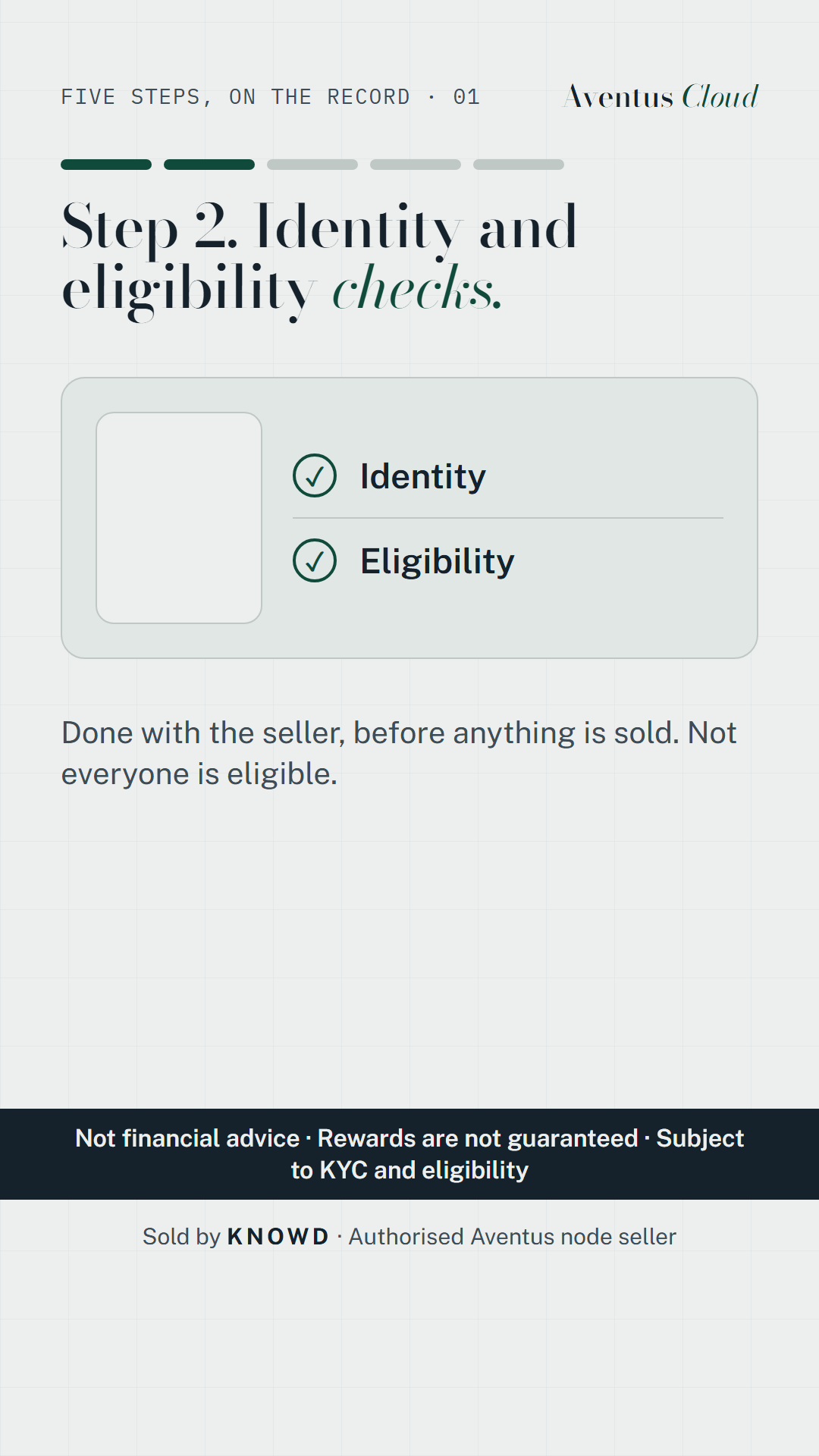
03 Step 2 · 8–13 s
- Voice
- “Step two. Identity and eligibility checks, done with the seller. Not everyone is eligible, so this comes first.”
- On screen
- Step 2 · Identity and eligibility checks
- Sound
- Two ticks.
For approval: Knowd to confirm which countries and US states are eligible before this goes out.
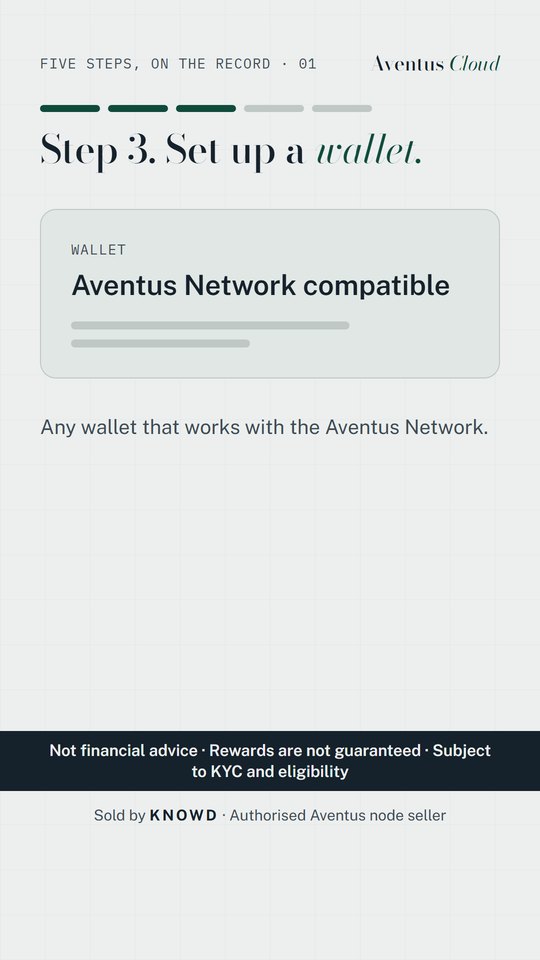
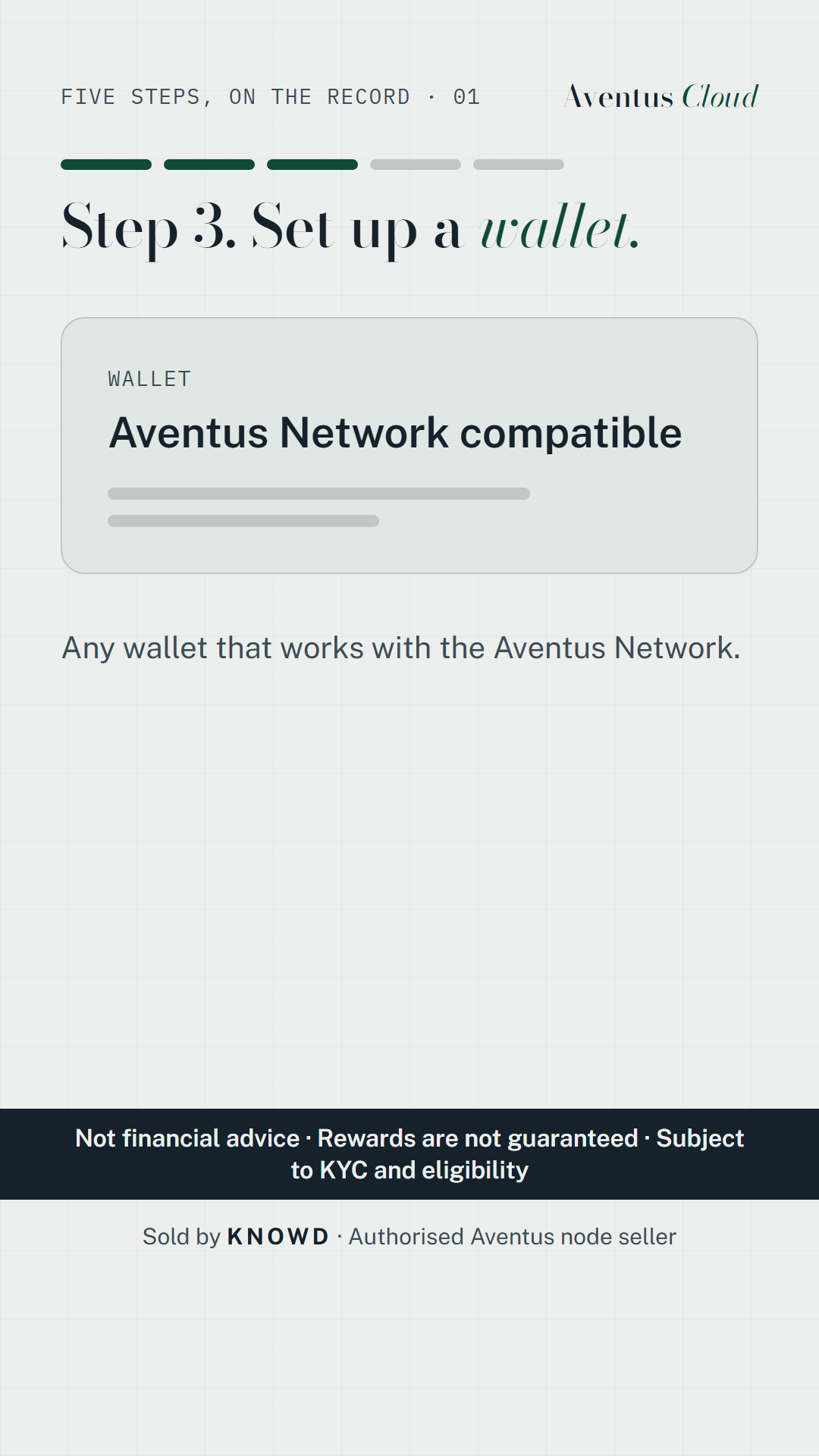
04 Step 3 · 13–18 s
- Voice
- “Step three. Set up a wallet that works with the Aventus Network.”
- On screen
- Step 3 · Set up a wallet
- Sound
- Soft click.
For approval: Show a named wallet, or keep it generic? Naming one implies a recommendation.
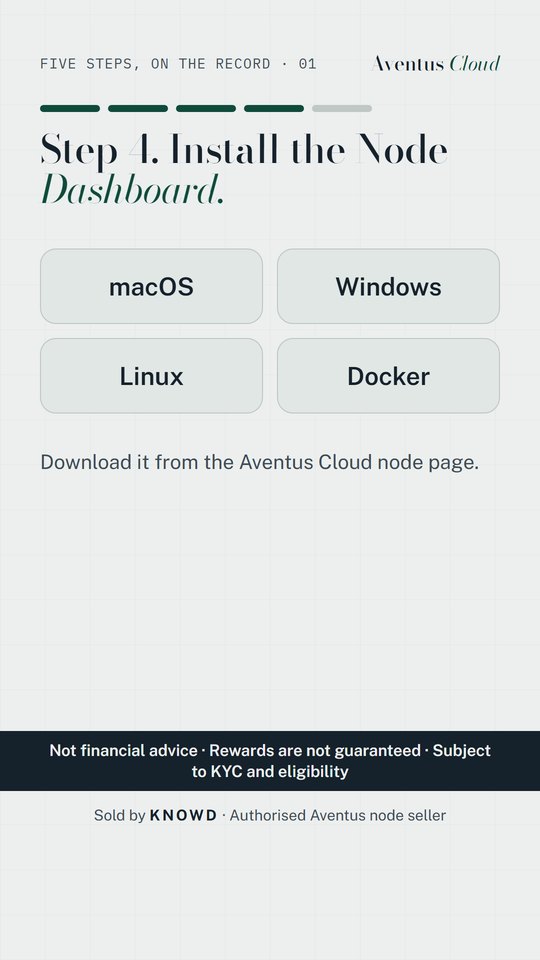
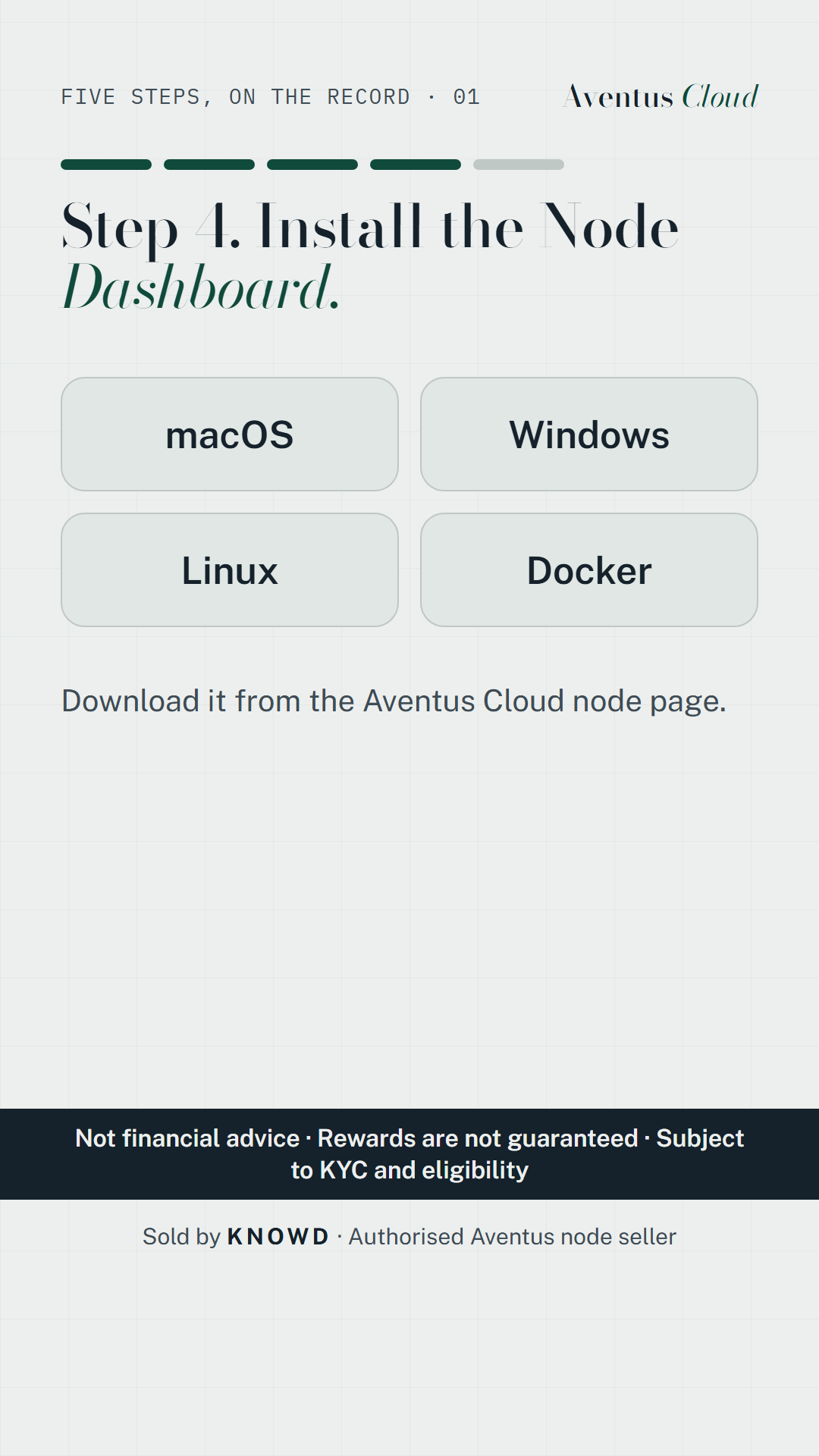
05 Step 4 · 18–23 s
- Voice
- “Step four. Install the Node Dashboard. It runs on macOS, Windows, Linux and Docker.”
- On screen
- Step 4 · Install the Node Dashboard
- Sound
- Four soft pops, one per tile.
For approval: Real dashboard screen recording wanted here. Can Knowd give us a cleared one?
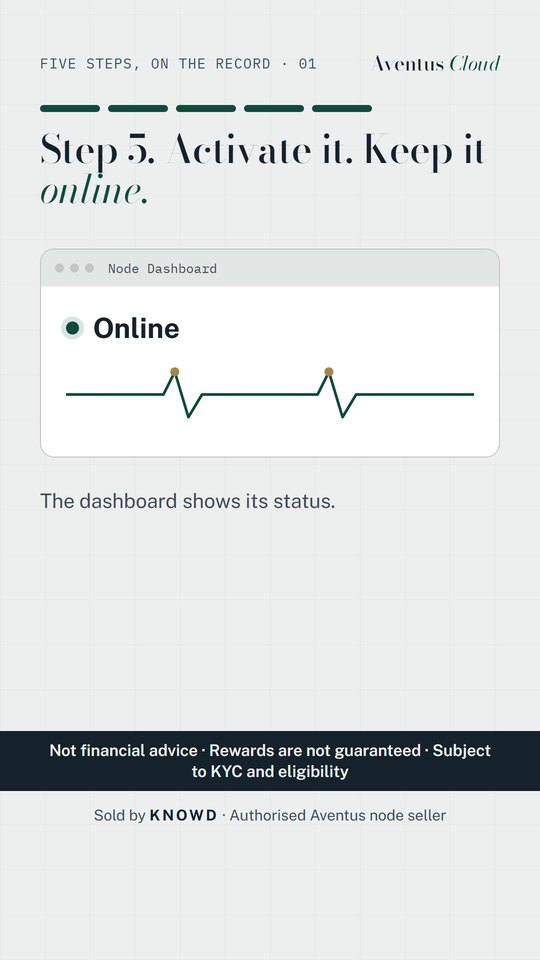
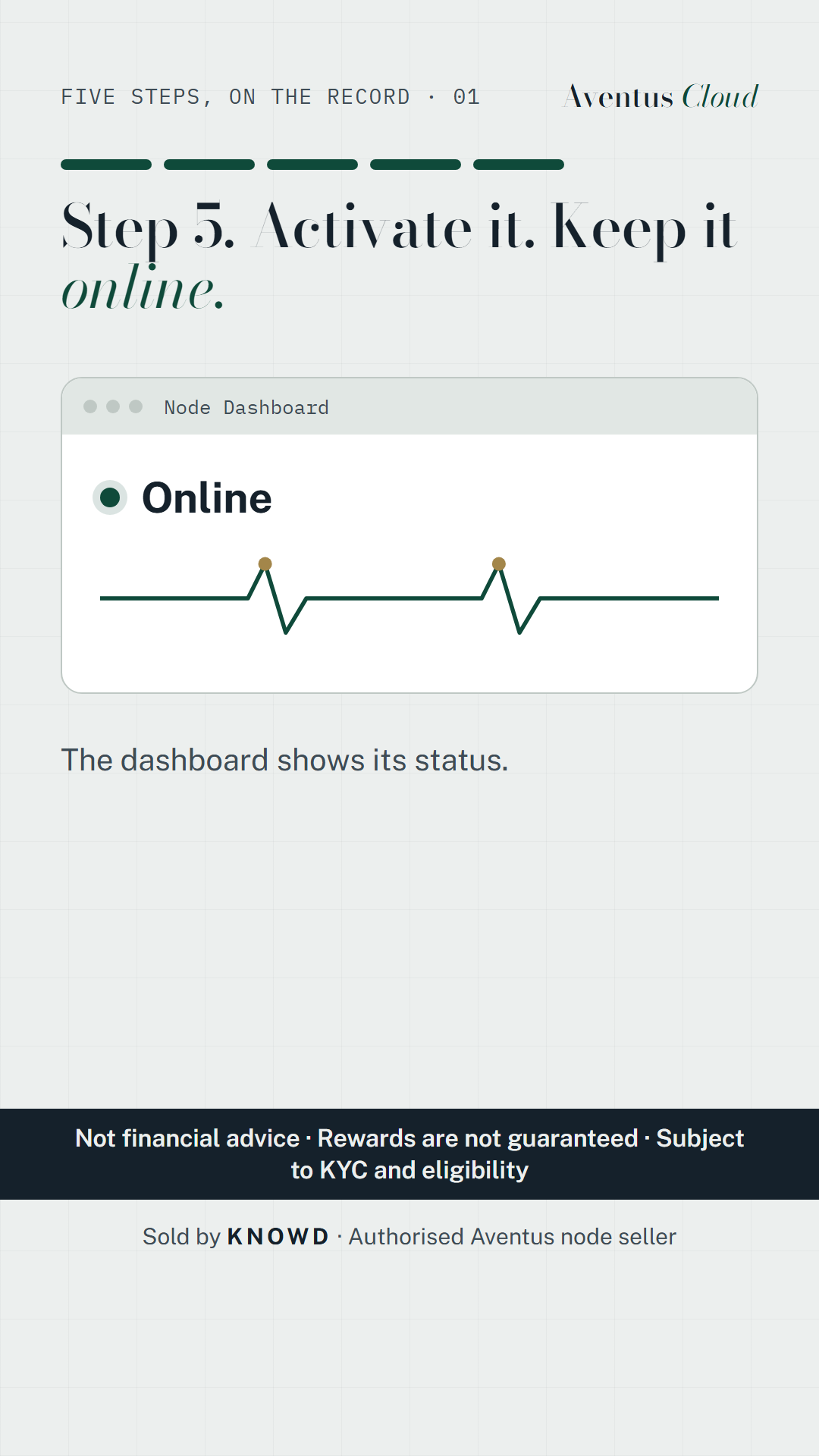
06 Step 5 · 23–28 s
- Voice
- “Step five. Activate the node and keep it online. The dashboard shows its status.”
- On screen
- Step 5 · Activate it. Keep it online.
- Sound
- Switch click, heartbeat starts.
For approval: Drawn dashboard until we have the real one (see step 4).
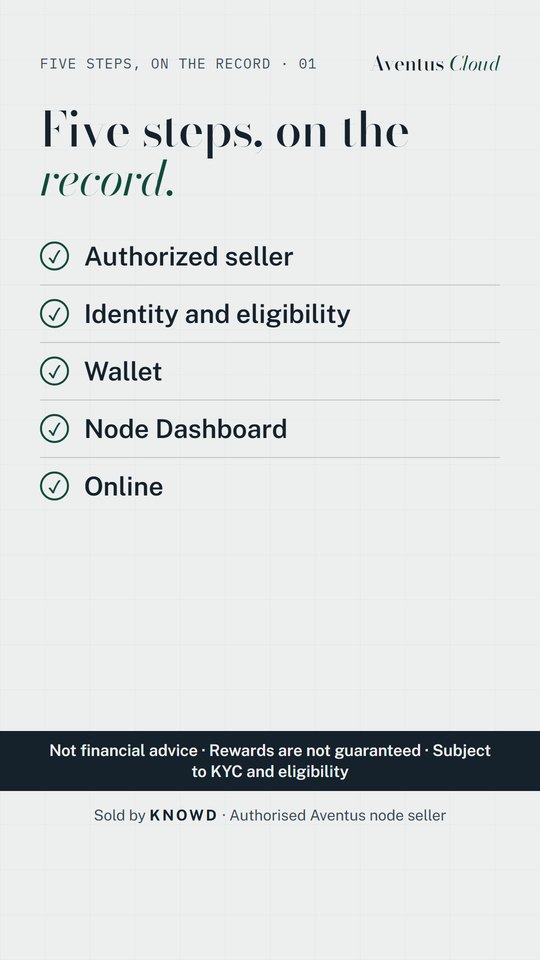
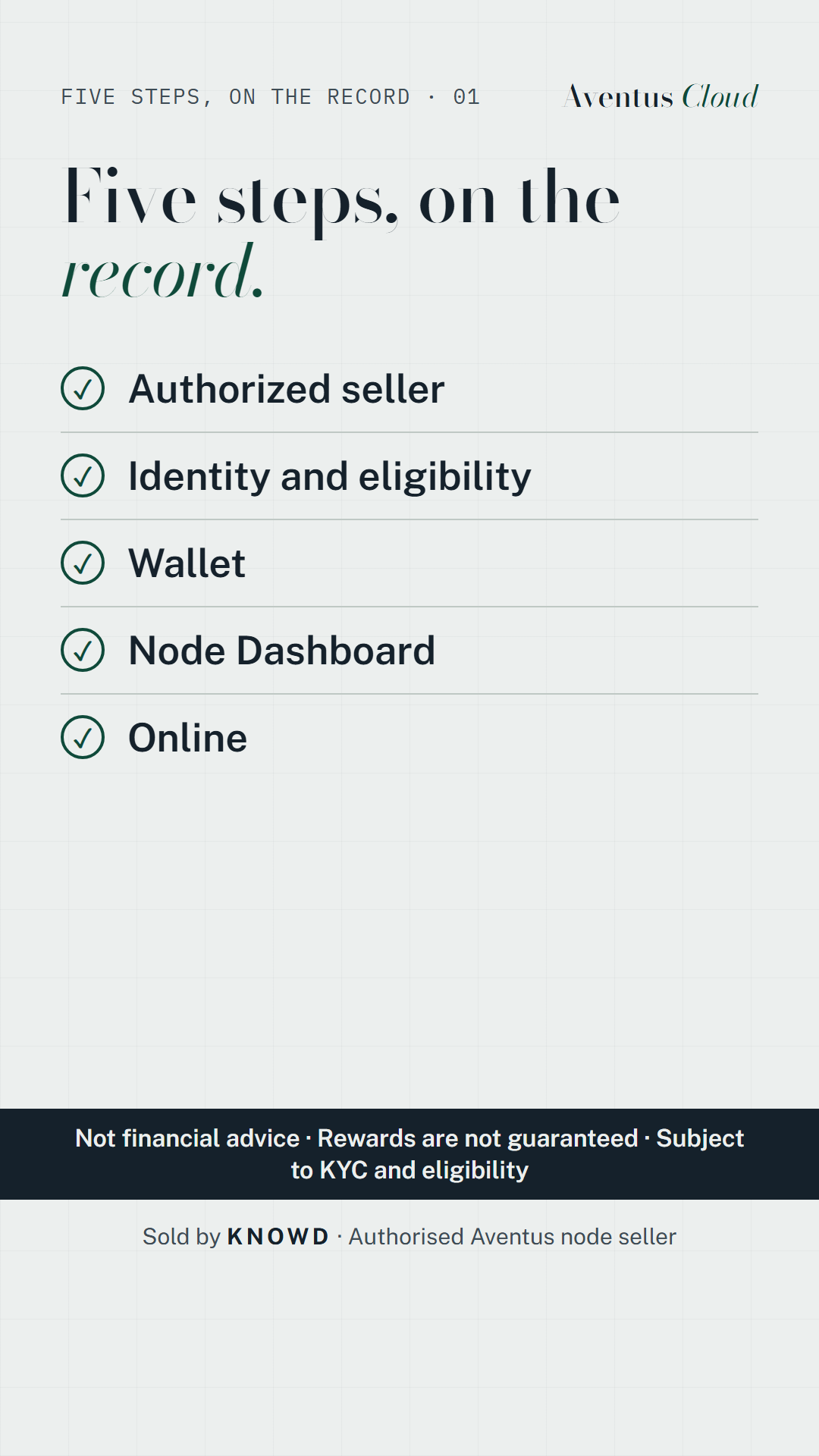
07 Recap · 28–31 s
- Voice
- “Five steps, on the record.”
- On screen
- Five steps, on the record.
- Sound
- Five fast ticks.
For approval: None.
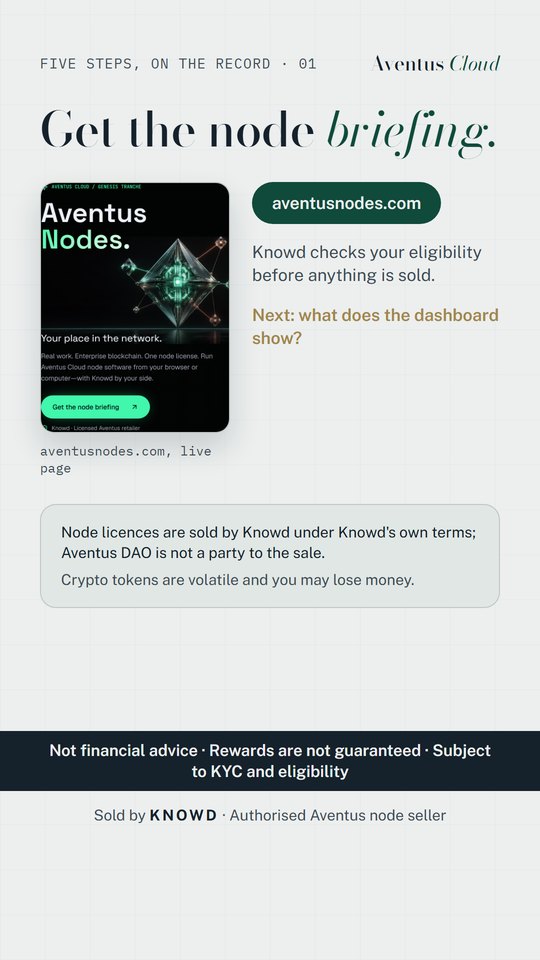
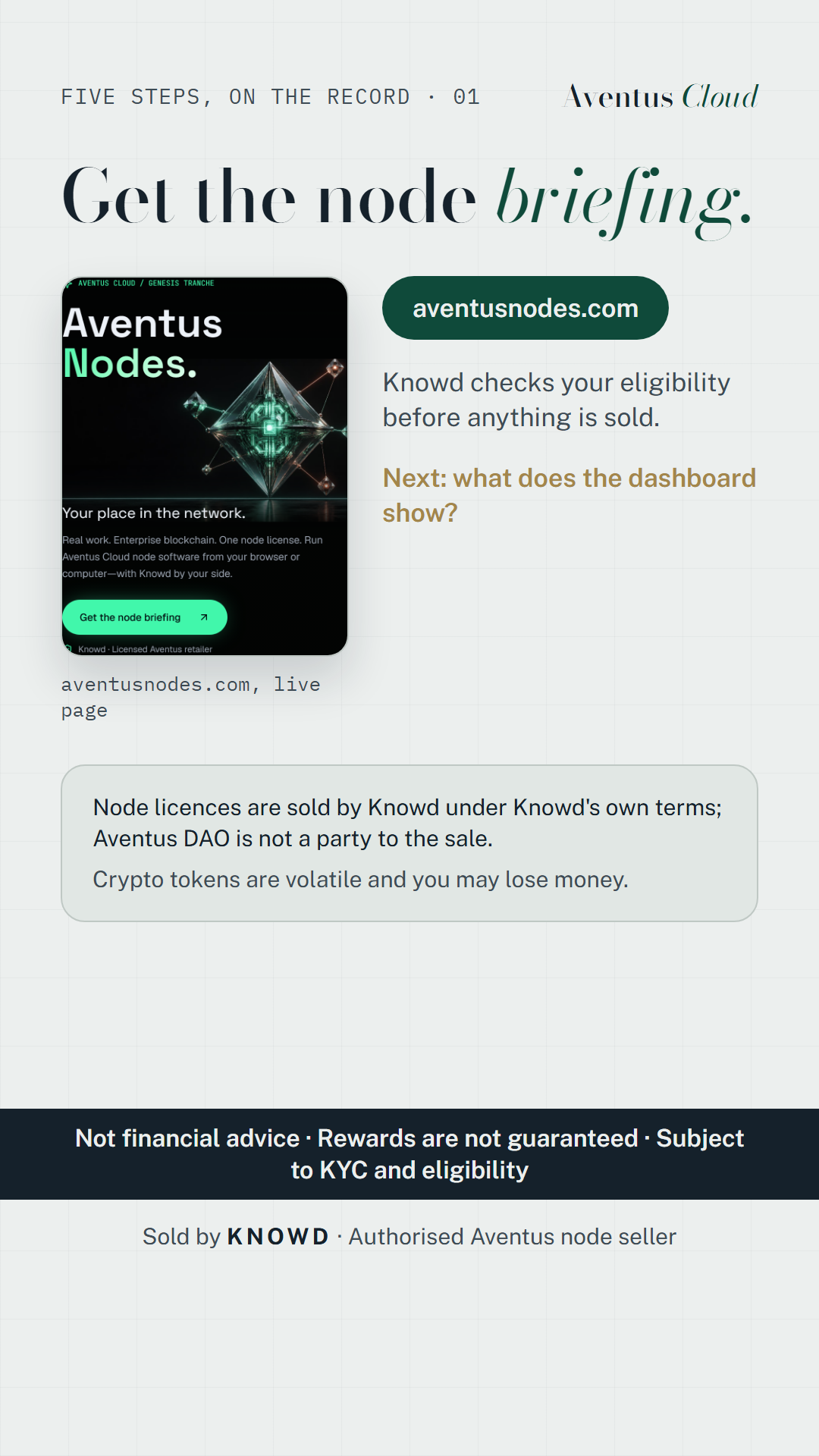
08 End card · 31–35 s
- Voice
- “Start with the briefing at aventusnodes.com.”
- On screen
- Get the node briefing · aventusnodes.com
- Sound
- Soft brass chime, music out.
For approval: Same end card as the other series.
Recut source
This series can recut the approved 4 Nov film (Projects/films/2026-11-04-aventus): the five-step checklist station at 27.5–44.3 s and the heartbeat station at 17.1–27.1 s, reframed to 9:16.
Next episodes
Same build, one new question each. Approve the list or change it with a note.
- What does the Node Dashboard show?
- Browser or computer: setting up each
- What KYC asks for
- Choosing a wallet
- What “online” means for a node
- Where to read the seller's terms
On every frame
- Not financial advice · Rewards are not guaranteed · Subject to KYC and eligibility
- Sold by KNOWD · Authorised Aventus node seller
- End card: Node licences are sold by Knowd under Knowd's own terms; Aventus DAO is not a party to the sale. Crypto tokens are volatile and you may lose money.
- No price, no reward figures, no charts. Real pages captured 23 Nov 2026.